
LessonSaver™ Saves the Day.
Stop building content from scratch and paying for a different AI tool for every job. Create lessons, slides, podcasts, games, quizzes and quick checks in one place—and see what your class has mastered by standard.








LessonSaver Saves the Day

I’m a teacher, and I’ve used LessonSaver with my own students for about a year and a half.
Before that, I spent hours being a content developer instead of a teacher, and paid for a stack of tools with money we don’t have to spare. That’s time I could have spent following up with students and drilling mastery with them.
LessonSaver gives us back our superpower: teaching.
LessonSaver Saves the Day.
How it works
From idea to published in 4 steps
Pick your path → a standards-aligned build → you tweak → one click to your LMS.
Pick your path
Upload a unit PDF, or start from a topic.
Standards-aligned build
Lessons, quizzes, games and quick checks come standards-aligned, ready for you to review.
Review and tweak
Edit any section and add your own media. You review everything before students see it.
Push to your LMS
Push to Canvas or Google Classroom in one click. That push is free on every plan.
Standards tracking
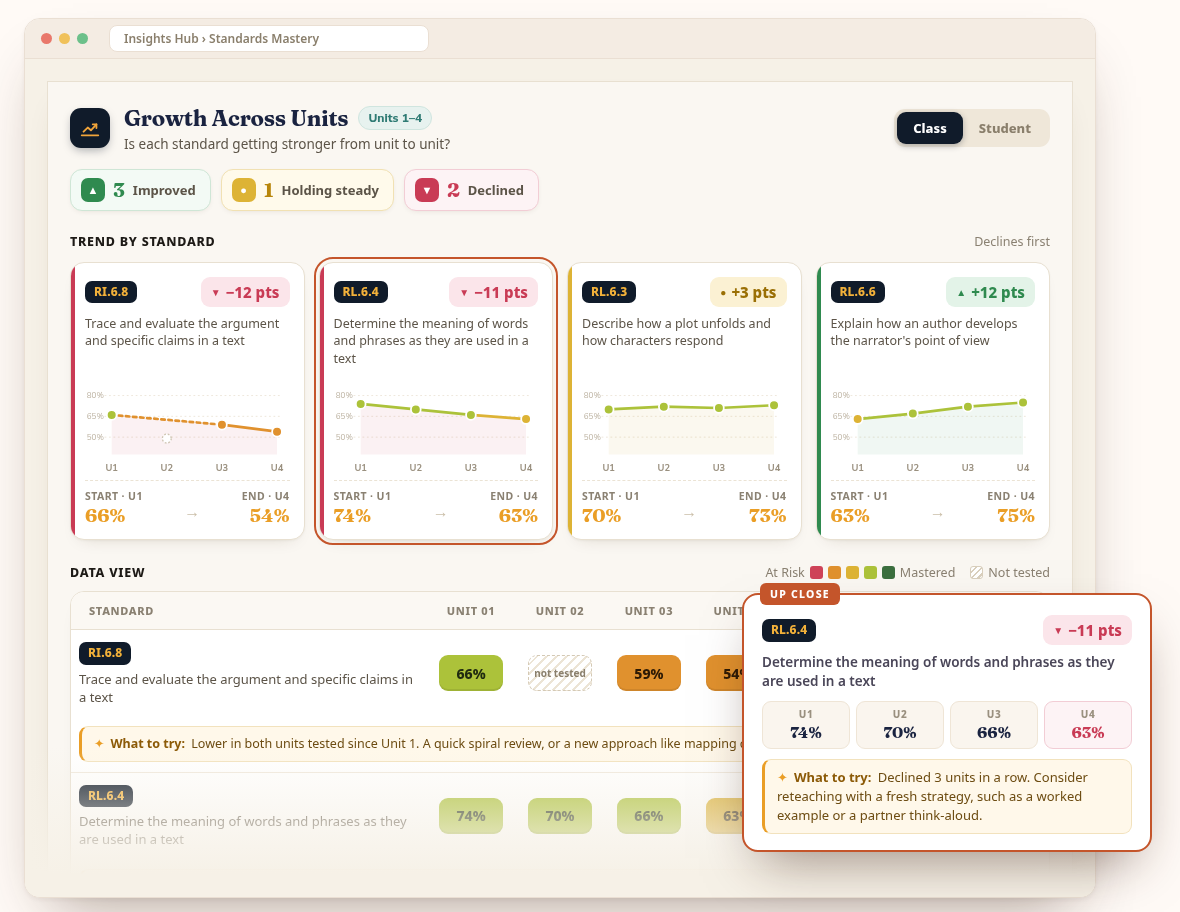
See which standards are growing, unit by unit
Insights Hub follows each standard across the units you pick. See what improved, what's holding steady and what slipped, with a short “What to try” note when a standard declines.
- Trend for every standard
A small trend line per standard, Unit 1 to Unit 4, with the change in points.
- Class or one student
Switch between the whole class and a single student. Names show as first name + last initial.
- Gaps shown honestly
If a unit didn't test a standard, it says “not tested,” not 0%.
- 1Your unit PDF or topic goes in
- 2Standards-aligned build
- 3Lesson pieces fan out
- 4Class mastery by standard shows in your dashboard
One source, everything connected
Separate tools make separate lessons.
When your slides, games and quizzes come from different tools, they teach different lessons. LessonSaver builds them from one source — your unit PDF or topic — so the lesson stays one lesson.
 One sourceYour unit PDF or topic
 LessonSaverOne source
 Slides
 Quiz
 Games
 Quick checks
 Podcast
 Video
One lesson, in the formats you teach with.
Slides appVideo avatarPodcast hostGame siteQuiz tool
A real lesson
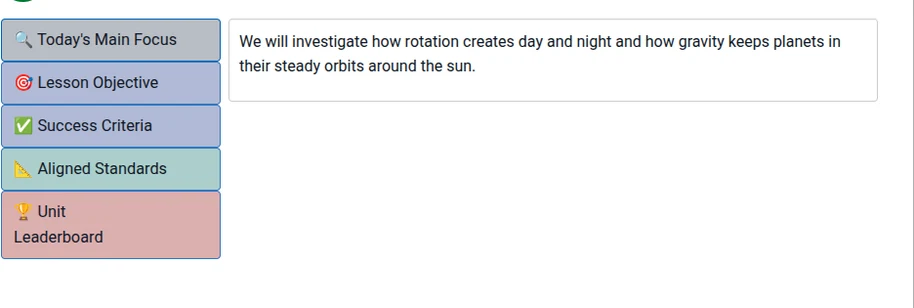
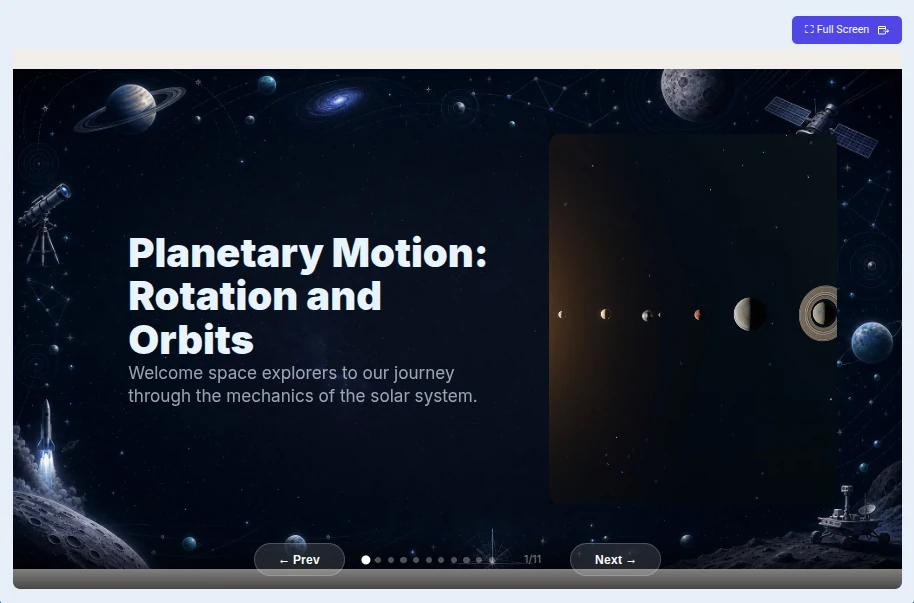
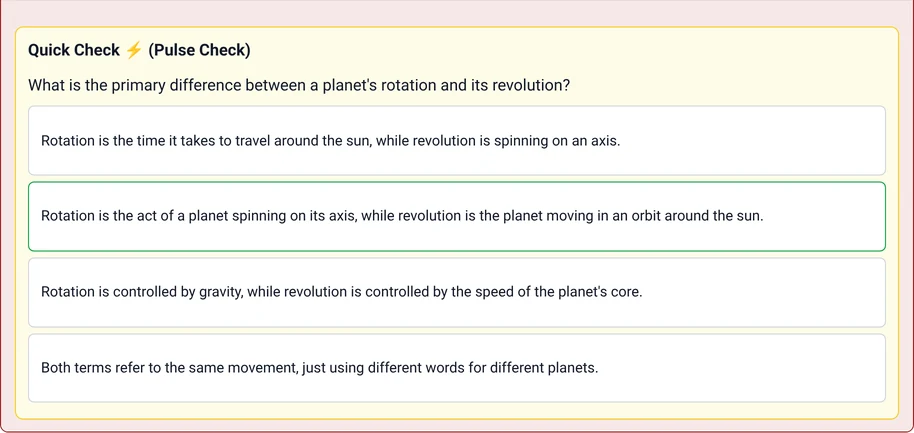
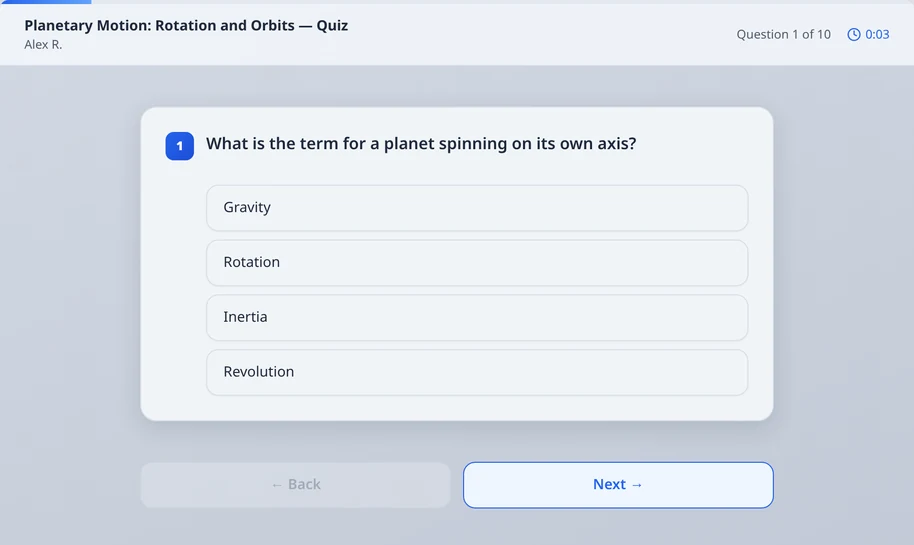
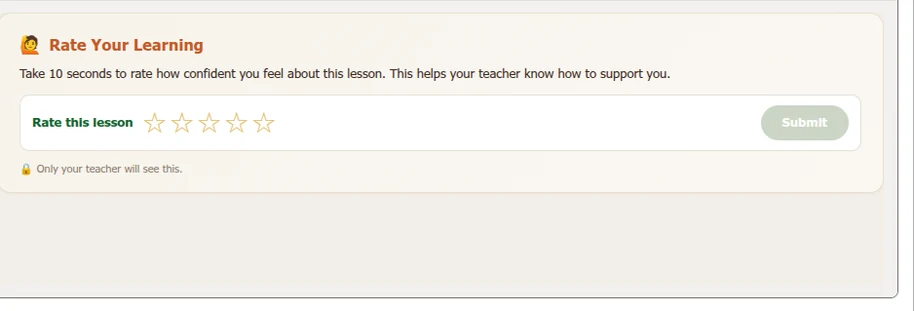
Example of a lesson in Canvas
This is what your students see inside Canvas. Click a panel to open or close it.


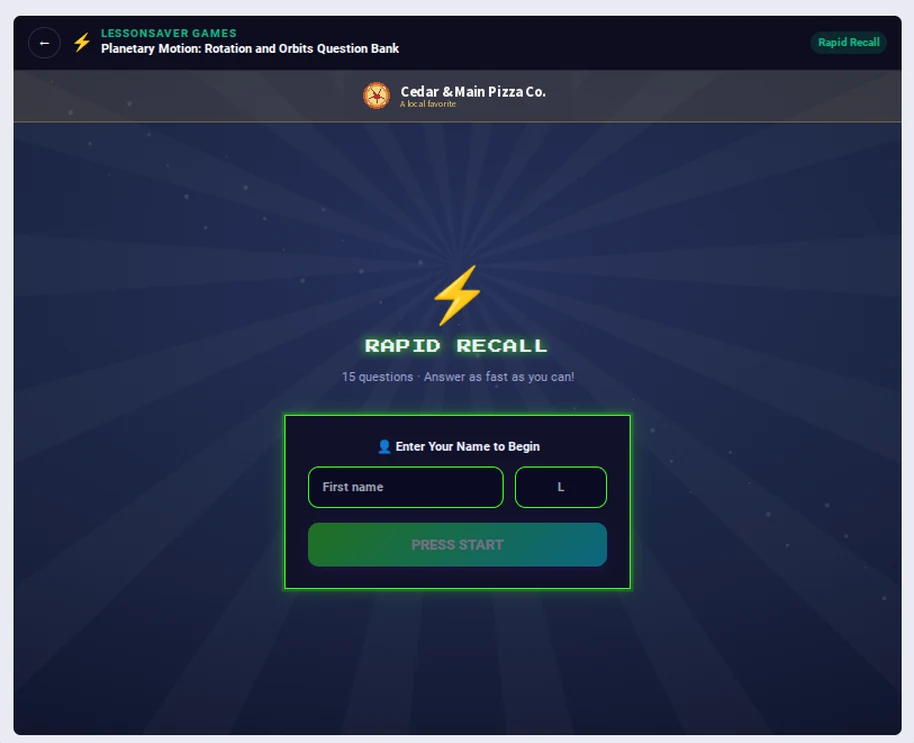
See the Games & Analytics Dashboard
Explore a fully interactive demo of our real-time game console, student leaderboards, mastery tracking, and concept-level analytics — no login required.
Live Leaderboards, tied to your tracked standards
Students climb the ranking based on their game review score. Teachers get friendly competition that actually moves mastery, not just noise.
- Unit & lesson leaderboards show each student's best score, accuracy and speed.
- Scores roll up to the unit's tracked standards.
- Spot reteach targets instantly — see which standards the class is still climbing on.
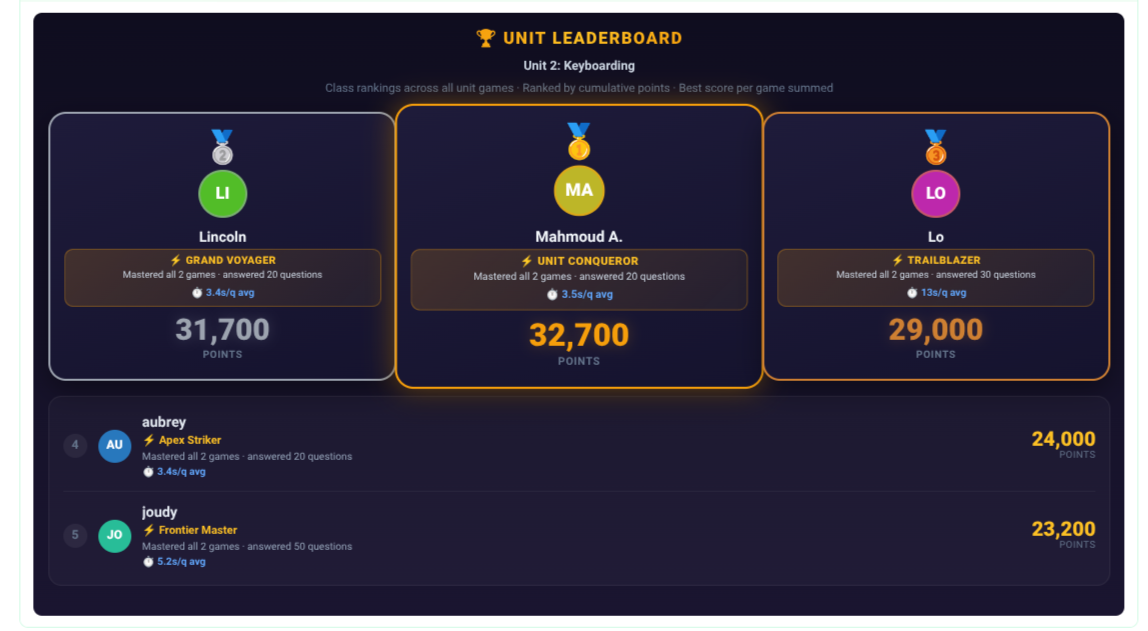
Sample leaderboard
For principals & department heads
Your whole school, in one office
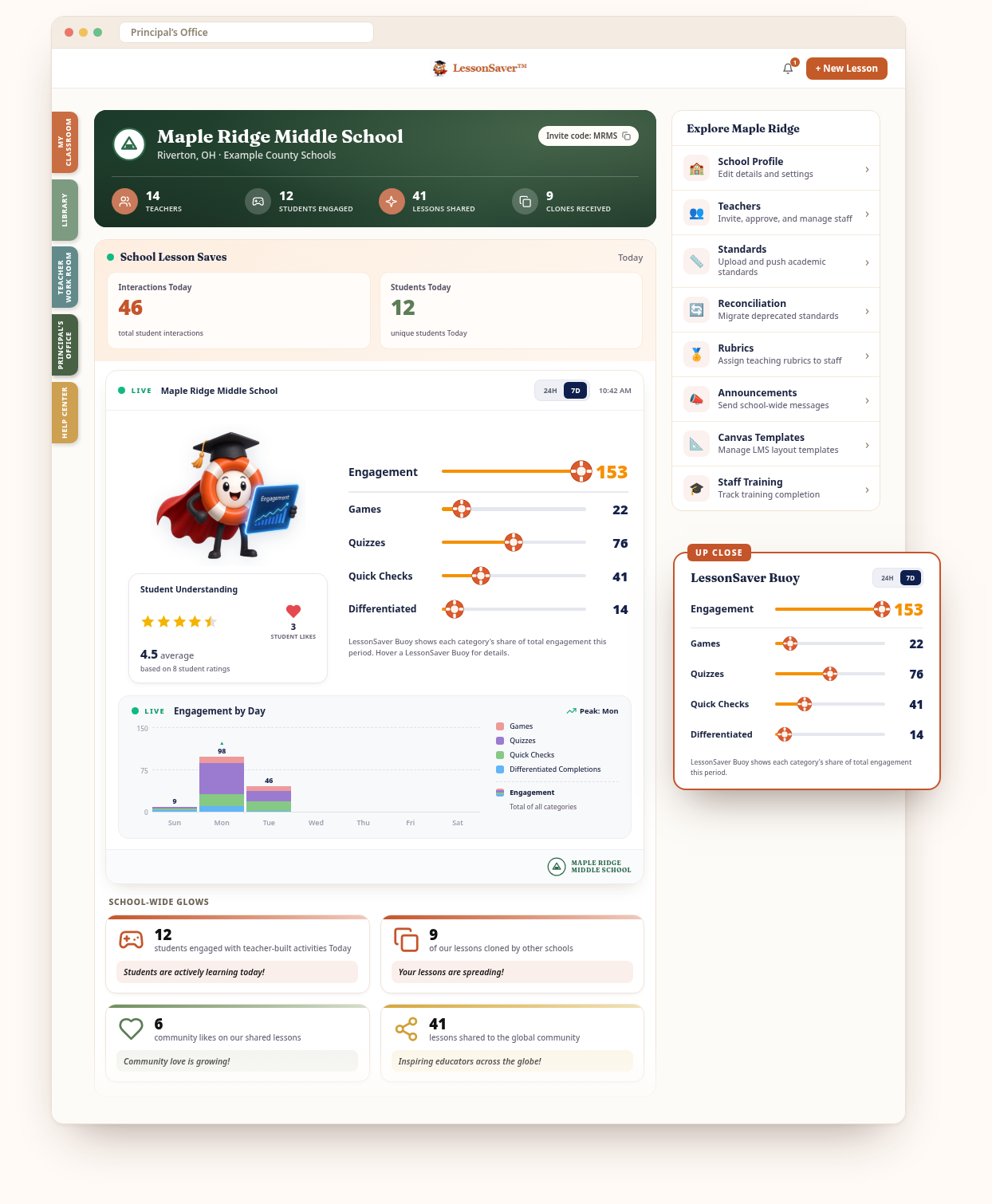
The Principal’s Office brings your staff, your standards and your students’ engagement together in one place, so you can see what your school is building and using, and manage it from the same screen.
- Engagement, by category
The LessonSaver Buoy shows each category’s share of total engagement: Games, Quizzes, Quick Checks and Differentiated. Switch between 24H and 7D.
- Engagement, day by day
A color-coded chart of the week, with the peak day marked.
- Your school, from one menu
Edit school details, manage staff, push academic standards, assign rubrics, send announcements and track staff training.
Start free. Go Pro when you're ready.
Try every tool 3 times a month for free. Go Pro when LessonSaver becomes part of how you teach.
Free
- ✓3 of each tool every month
- ✓3 trial Learning Circles (total, never renew)
- ✓Push to Canvas & Google Classroom
- ✓Everything you make stays in your Library
Pro
- ✓Unlimited use of every tool
- ✓Unlimited Learning Circles
- ✓100 Smart Images a month
- ✓Insights Hub: mastery by standard
- ✓EL, differentiation & accessibility tools
School
- ✓Pro for every teacher
- ✓Principal's Office: school-wide activity & engagement
- ✓Shared standards, rubrics & Canvas templates
- ✓Staff onboarding
Founding Teacher
Pro is free for the rest of this school year, then $20 a month, locked for life.
- ✓Everything in Pro
- ✓Founding Teacher badge
- ✓Rate locked for as long as you stay
- ✓No card during beta
FAQ
Questions, answered
Ready to start teaching again?
Become a Founding Teacher. No card during beta.
Become a Founding TeacherWe use cookies to see how visitors use our public site and, later, to measure our ads. They're off unless you say yes. Student pages and the teacher app never use them. Privacy Policy